
ClickAnalytic
YouTube Email Finder

YouTube Email Finder: Extract Emails From Channel About Pages

Extract public YouTube business email details from channel About pages, then pull, copy, and export contact records for outreach.

★★★★★ 4.8 on G2 · ★★★★★ 4.8 on Capterra · Trusted by Brand Teams, Agencies, Affiliate Teams

No credit card · 4.8 on Capterra and G2

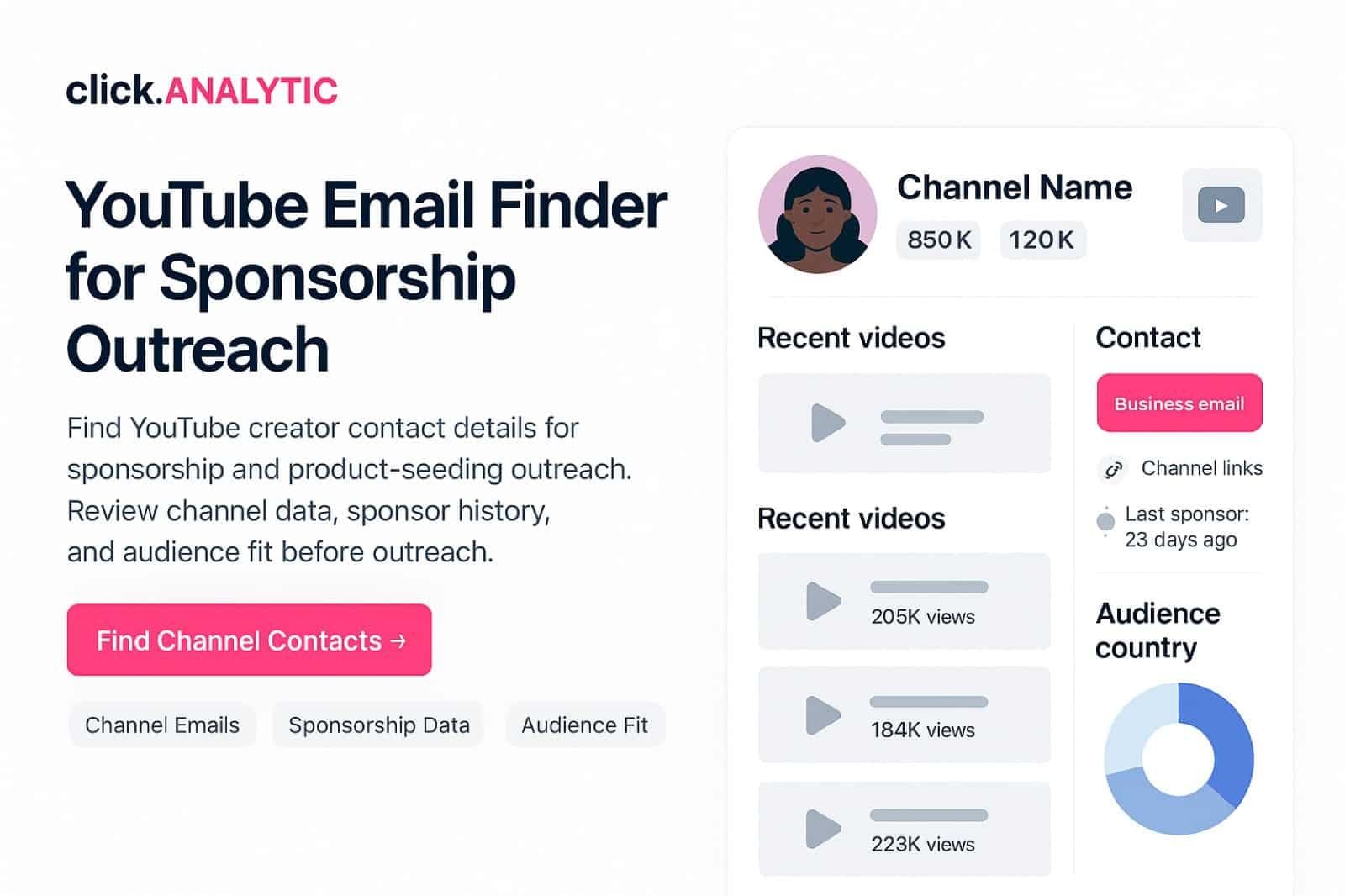
ClickAnalytic YouTube email finder showing channel profiles, verified contacts, subscriber metrics, and export options.
HellobloomSkinhabitBrandLabNextWaveGlossr
Turned creator contact research into outreach-ready listsGrowth Marketing Lead
Why this workflow

Skip the manual click-into-each-channel routine

Manual YouTube contact work usually means opening one profile, checking the About page, copying an email, pasting it into a sheet, and repeating the same steps for every creator. ClickAnalytic compresses that into a single workflow your outreach team can hand off cleanly.

Less copy-paste

Copy public contact details from organized records, not 50 browser tabs.

Fewer missed emails

Look up bio text, visible buttons, and connected pages — wherever YouTube creators publish a contact.

Cleaner handoff

Compile contact data your outreach team can plug into a sequence without rework.

How it works

  1. Add or select YouTube profiles

    Paste handles, profile URLs, or pull a saved list.

  2. Retrieve public contact details

    Surface emails from the profile, bio, About page, or connected pages.

  3. Compile records

    Contact fields linked to handles, profile URLs, and source page.

  4. Export to outreach

    CSV export or push into the Creator CRM for sequencing.

Manual vs ClickAnalytic

YouTube Email Finder vs manual profile hunting

CriterionManual lookupYouTube Email Finder
StageLine-by-line profile checkingAfter you already have YouTube handles
OutputScattered spreadsheet entriesPublic email data with source pages
InputManual bio reviewYouTube URLs and handles, bulk
EfficiencyHours per campaignBulk lookup, minutes per batch
When to use what

Email finder vs search vs vetting

I already have YouTube handles, need contact emails fast.

Stay here

I do not have a creator list yet.

Influencer Database

Open

Need to score creators before paying them.

Vetting Tool

Open

Want to manage outreach + relationships in one place.

Creator CRM

Open
What's included

Public creator email discovery, in context

Included

Public Creator Email Discovery

Identify available business emails connected to YouTube creators and their public profiles.

Included

YouTube Creator Discovery

Discover creators by niche, location, keywords, audience, and campaign criteria.

Included

Creator Profile Review

Check profile details before adding a creator to an outreach list.

Included

Audience and Fit Signals

Review data points to confirm a creator matches your brand brief.

Included

Shortlists

Save qualified creators into named lists you can rerun.

Included

Export Options

Export creator details and available emails for outreach workflows.

Included

CRM Workflow Support

Move creators into relationship management when outreach starts.

Included

Multi-Platform Expansion

Extend outreach across Instagram, TikTok, YouTube, and beyond.

What This Page Is For

Use the right ClickAnalytic tool for each stage of your creator workflow.

Right page: YouTube contact lookup after discovery. Extract business-inquiry emails from YouTube channel About pages in bulk for outreach lists.

Looking for:

  • Pull from IG profile contact button? Go to Instagram Email Finder
  • Pull from TikTok bios + linktree? Go to TikTok Email Finder
  • Search creator universe first? Go to Influencer Search Tool

A YouTube email finder helps influencer teams find public creator contact details without losing hours opening channels, checking About pages, reviewing linked sites, and copying data into spreadsheets.

ClickAnalytic connects email discovery to the full creator outreach process: discover, vet, shortlist, export, and manage relationships.

When to Use This Workflow

Use ClickAnalytic when your team needs to find YouTube channel email contacts for creator outreach, build campaign lists by niche or country, reduce manual channel hunting, keep contact data connected to shortlists, and prepare clean outreach exports.

What a YouTube Email Finder Actually Pulls

A YouTube email finder is for contact lookup after you already have channels to contact. ClickAnalytic helps you pull public business-inquiry emails from the About page, so your team can move from channel research to outreach prep without manual copying.

  • YouTube About-page email: Extract the public email a creator makes available for business requests
  • Channel inquiry context: Keep the channel URL, title, and source context with the contact
  • Channel description notes: Retrieve helpful public details when they support outreach
  • Export contact data: Copy or export contact fields for your campaign workflow

Extract Business-Inquiry Emails From YouTube About Pages

Many YouTube creators publish a business email inside the channel About page for partnership requests. ClickAnalytic is built to extract that public YouTube business email and keep it tied to the right channel, instead of leaving your team to open tabs and copy addresses by hand.

  • Public-only lookup: Look up emails that creators choose to show for business inquiries
  • Source clarity: Keep the About page as the contact source
  • Campaign handoff: Pull each channel inquiry into an organized contact record
  • Cleaner lists: Compile contact fields with channel URLs and names for outreach

Workflow Scenario: A skincare team needs YouTube creator contact details for a product launch. The team defines the market, reviews relevant channels, checks available public emails, saves qualified creators, and exports an outreach list.

  1. Define the Campaign - Set product category, audience, market, budget, and creator requirements
  2. Review Creator Contact - Identify YouTube creators with relevant public business email data
  3. Build Outreach Lists - Save qualified channels by market, product, client, or campaign
  4. Start Outreach - Export creator details or manage contacts inside your workflow

Skip Clicking Into Every Channel Description

Manual YouTube contact work often means opening each channel, reading the channel description, checking the About page, copying an email, and updating a spreadsheet. That process breaks down when your campaign has dozens or hundreds of potential partners.

  • Less tab work: Retrieve public contact details without repeating the same steps all day
  • Fewer copy errors: Copy contact fields from structured results instead of scattered notes
  • Faster outreach prep: Pull YouTube About-page email data into a list your team can use
  • Consistent records: Keep the channel name, URL, and email source together

Scale Without Losing Quality

When teams build creator contact lists at scale, quality can drop fast. Generic lists may include irrelevant channels, inactive accounts, or creators who do not match the campaign audience.

ClickAnalytic helps you keep quality checks inside the process. For broader creator sourcing, use the influencer database. For deeper audience data, visit audience analytics. For broader campaign sourcing, use the influencer discovery platform.

Build a YouTube Outreach List Ready for Your Campaign Tool

A usable YouTube outreach list needs more than an email column. ClickAnalytic helps you compile contact records with the channel, public email, source page, and outreach context your team needs before sending pitches.

  • List-ready fields: Compile contact details with channel names, URLs, and business-inquiry emails
  • Campaign grouping: Save contacts by campaign, market, product, or brief
  • Export contact data: Export contact records for email tools, CRM systems, or shared team files
  • Cross-platform next steps: Use the Instagram Email Finder or TikTok Email Finder when your list also covers other platforms

How ClickAnalytic Extracts YouTube Business Emails

ClickAnalytic is designed for teams that already know which YouTube channels they want to contact. Add your channel set, then use the platform to look up public About page contact details and retrieve the email fields creators provide for business inquiries.

  1. Input known channels - Start from YouTube channel URLs, handles, or saved lists
  2. Read public sources - Extract YouTube business email data from the About page when available
  3. Keep context - Pull source details, channel names, and URLs into the same record
  4. Move to outreach - Copy records or export contact data for your campaign tool

Extract YouTube Creator Emails in Bulk

Turn known YouTube channels into outreach-ready contact records. ClickAnalytic helps your team pull public business-inquiry emails from About pages, compile contact details, and export contact data without rebuilding spreadsheets by hand.

  • Use it for YouTube: Extract public YouTube business email data from channel About pages
  • Use it at scale: Retrieve contacts across larger channel lists
  • Use it with your workflow: Copy or export contact records when your campaign is ready

If your team still finds YouTube emails by opening channels one at a time, ClickAnalytic can help you save hours and build better outreach lists. Find YouTube creator emails, qualify channels, save shortlists, and move contacts into your creator workflow.

FAQ

YouTube email finder questions

Where do YouTube creators list their business email?

YouTube has a dedicated spot for it: the channel’s About page often shows a ’For business inquiries’ email. To cut down on scraping, YouTube usually puts that address behind a captcha or an email-reveal step, so a human has to confirm before it shows. This tool helps surface those public business emails that creators have deliberately added for brand contact.

Why is a YouTube business email sometimes hidden behind a captcha?

YouTube gates the business email on the About page behind a captcha to stop bulk bots from harvesting it, while still letting genuine brands reach the creator. So the address is public by design, just protected from mass scraping. If a channel has filled in that field, the contact route is clear; if the field is empty, the creator has chosen not to publish an email.

What if a YouTube channel has no email on its About page?

Not every creator fills in the business-inquiry field. When it is blank, check the channel description and any linked website or social profiles, since creators often park a contact form or email there instead. Larger channels are frequently represented by an MCN or talent agency, so the listed contact may be a management address rather than the creator directly.

Who is an MCN or agency contact on YouTube, and is that good?

Many established YouTubers belong to a multi-channel network (MCN) or sign with a talent agency that fields sponsorship requests on their behalf. The email you find may therefore reach a manager rather than the creator. That is normal for bigger channels and usually helps, since these contacts handle rates, deliverables, and contracts professionally and tend to respond faster than a creator buried in their own inbox.

How do I build a full list of YouTube creators to contact?

Revealing one captcha-protected email at a time does not scale to a campaign. Click Analytic indexes 400M+ creator profiles across YouTube, Instagram, and TikTok, letting you filter by niche, audience, location, and engagement, then assemble and export a shortlist with contact details in one pass. You can vet each channel’s audience authenticity with AQS first, so your outreach focuses on creators with real, engaged viewers.

Turn YouTube handles into outreach-ready contact records

Free to start. No credit card required.