Influencer Marketing Platform for Shopify Brands
Find vetted creators for launches, source UGC, manage outreach, secure content rights, and track ROI for Shopify brand campaigns without messy spreadsheets.
400M+ creators, scored and ready to filter
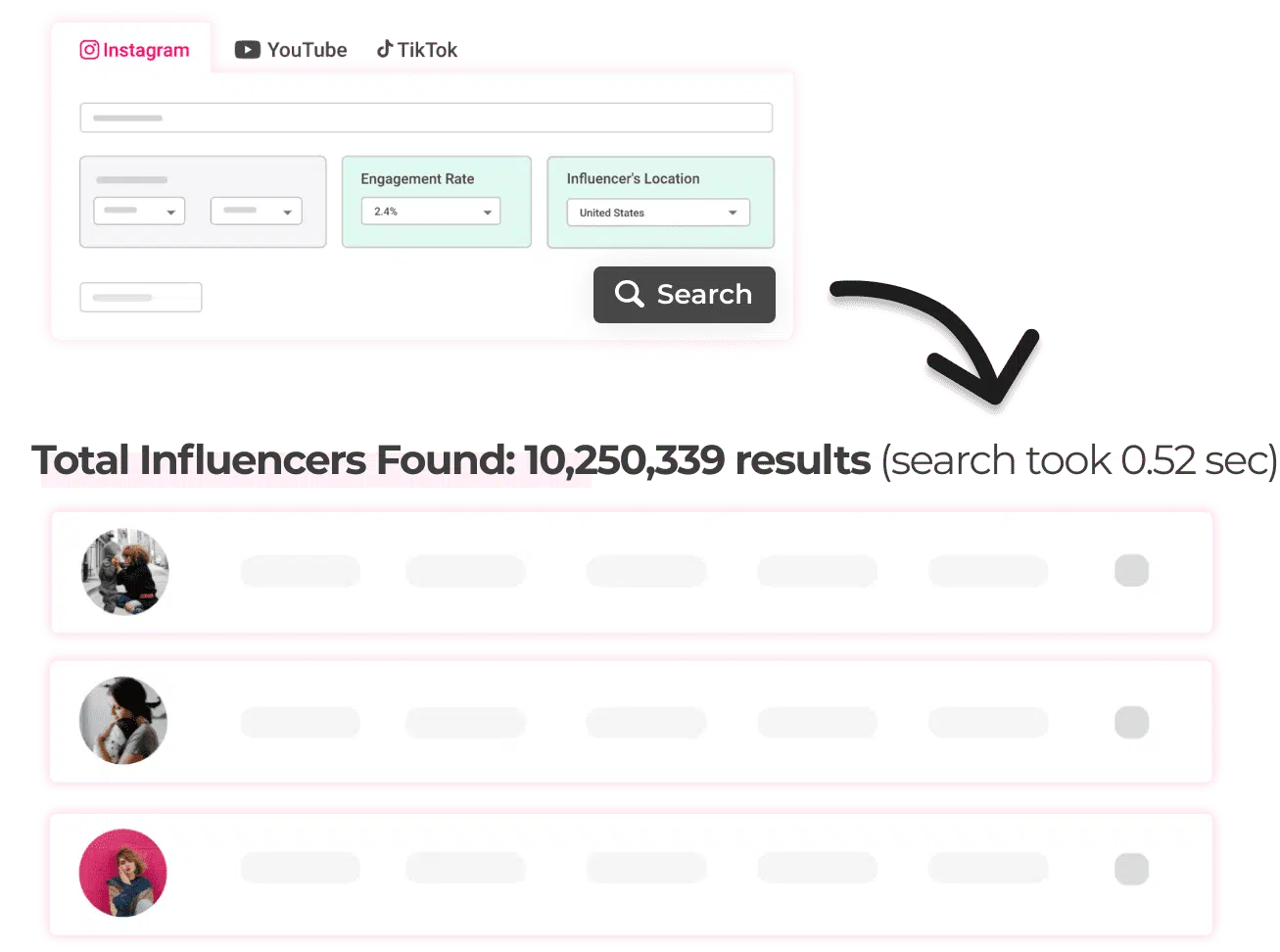
One searchable database across the three platforms that matter. Filter by audience, location, engagement and quality, then shortlist only the creators who clear your bar.
Turn creator trust into Shopify revenue, with influencer marketing reported to average $5.78 per $1 spent
Finding the right creator takes an afternoon. Turning that shortlist into a launch-ready seeding plan takes the real work. The problem is not discovery. It is matching creators to products, launches, and store outcomes.
Samples sent to the wrong creators
You ship product to ten creators. Three post. Two of those reach an audience that would never buy from your store. Vetting creators by niche, audience demographics, and engagement quality before you send a single sample saves budget, inventory, and weeks of follow-up. Audience vetting and fake follower checks are built into the discovery workflow.
No way to trace which creator drove sales
A campaign goes live across five creators and your revenue spikes. You have no idea who drove it. Without promo code tracking or per-creator attribution, you are left guessing what worked and rebuilding the same experiment next quarter.
Fake follower risk
One creator with inflated numbers gets through. You catch it after product has already gone out. That means wasted samples, wasted budget, and wasted time.
Creator discovery at scale
Search 400M+ creators across Instagram, TikTok, and YouTube. Filter by niche, audience location, engagement rate, and follower size to build a shortlist in minutes - not days of manual sourcing.
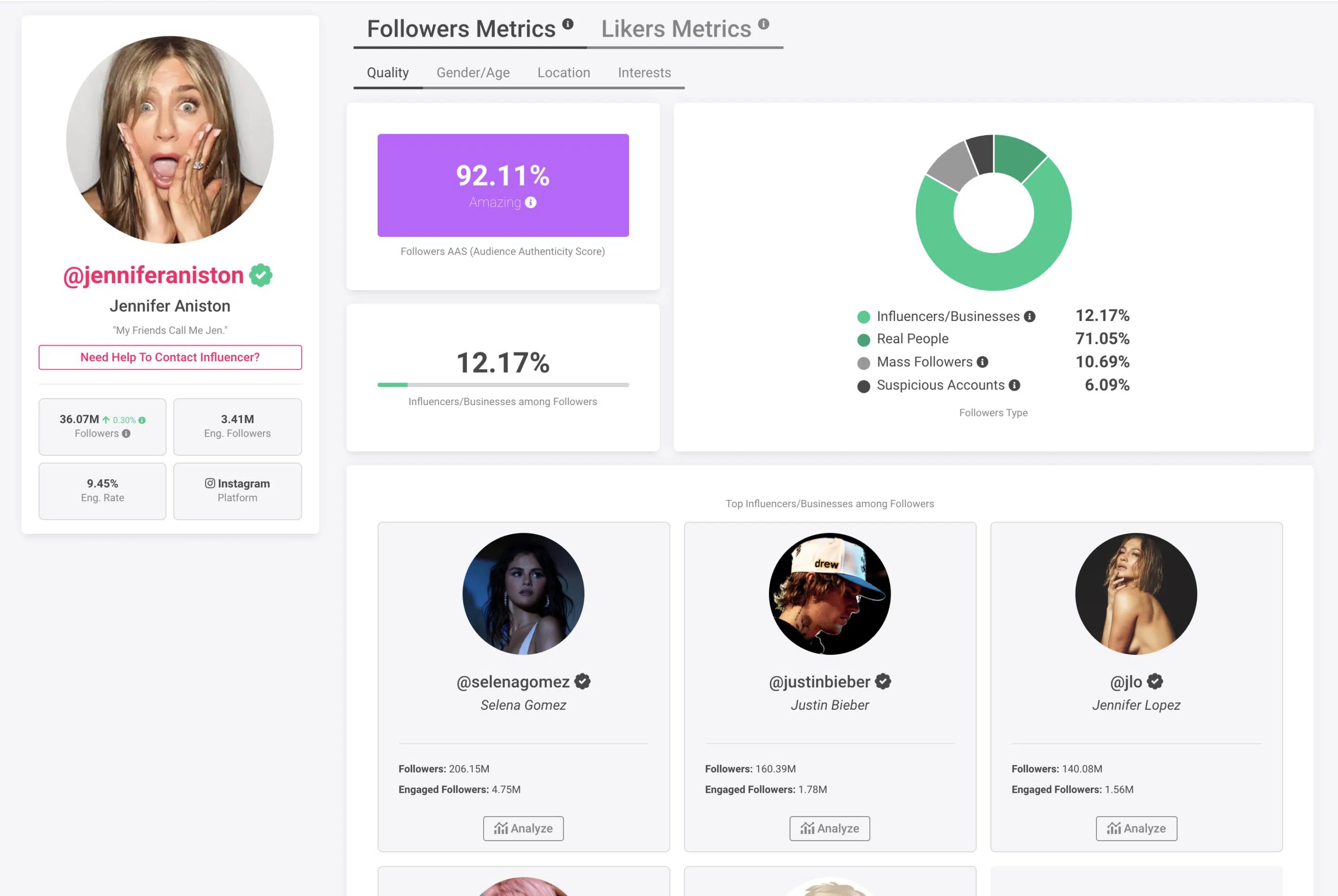
Audience vetting & fraud checks
Check fake-follower scores, audience authenticity, and real engagement before you commit, so every creator on your shortlist is backed by data instead of follower count alone.
Outreach & creator CRM
Run outreach and manage every creator relationship in one place. Track conversations and move creators from shortlist to booked without spreadsheets or scattered inboxes.
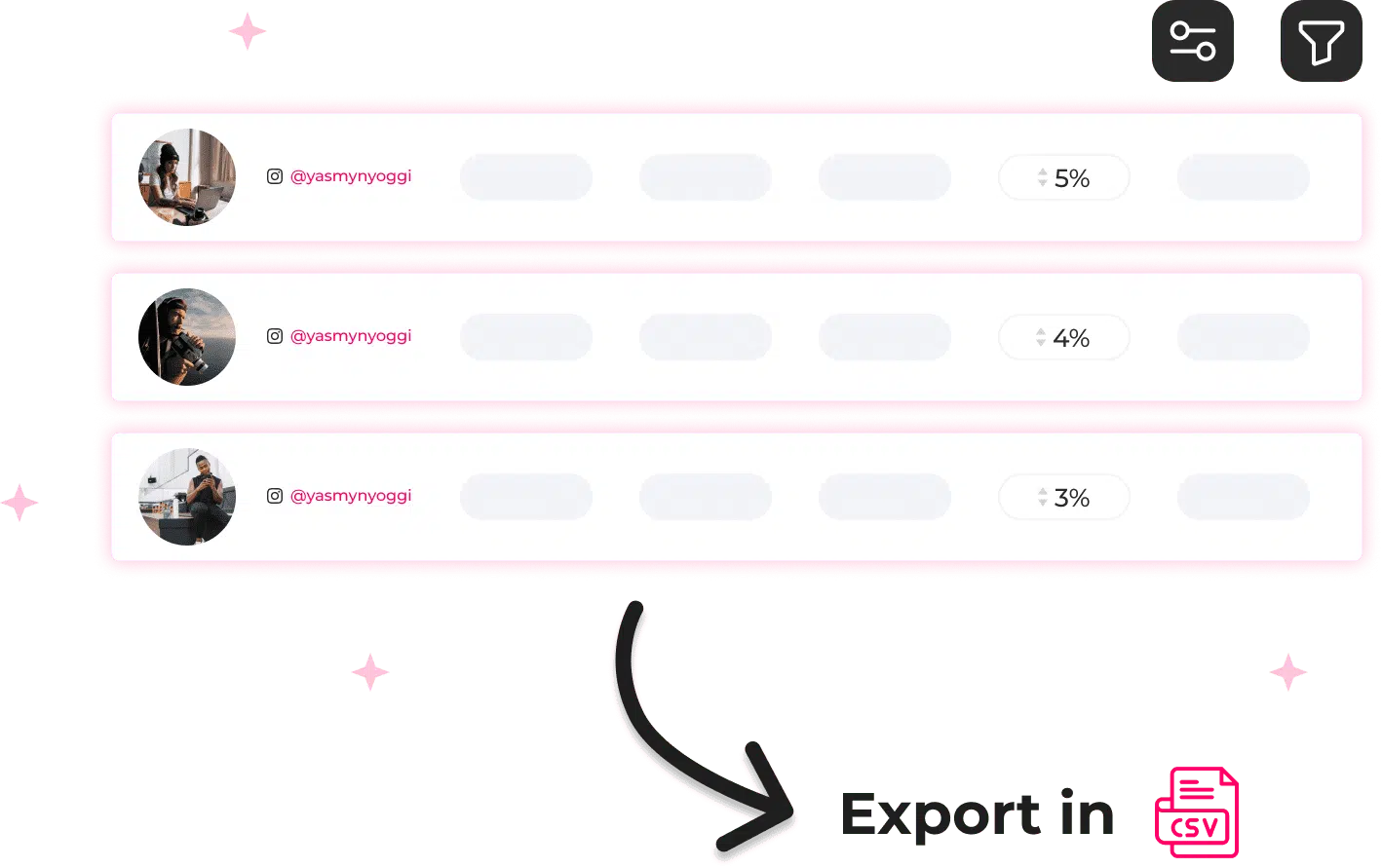
Campaign tracking
Follow live campaigns and creator performance in a single view, so you always know what's working - no manual screenshots or end-of-month scrambles.
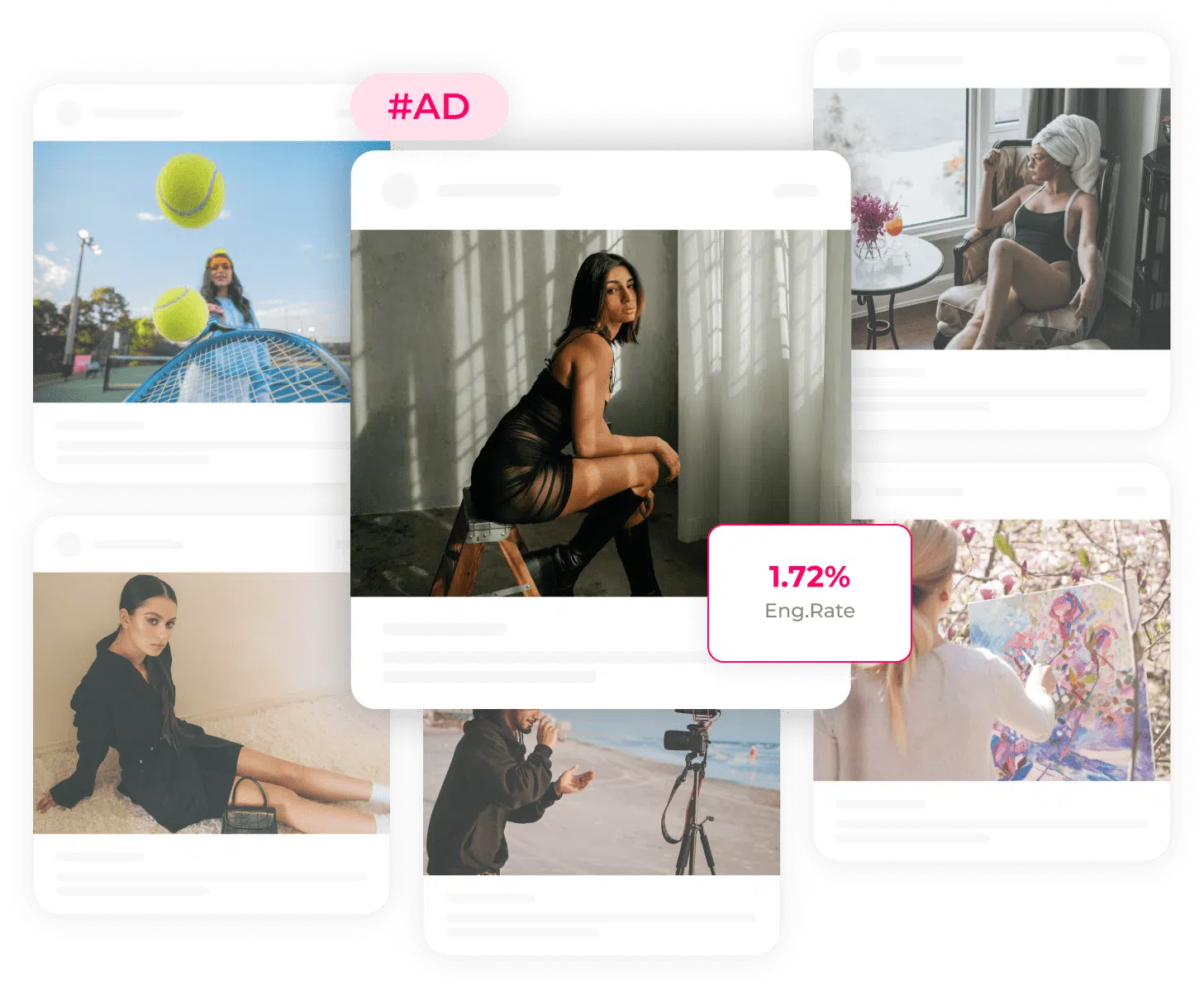
Reporting & proof
Turn results into clean, shareable reports in a few clicks. Showing the numbers is what wins the next budget, and it takes minutes.
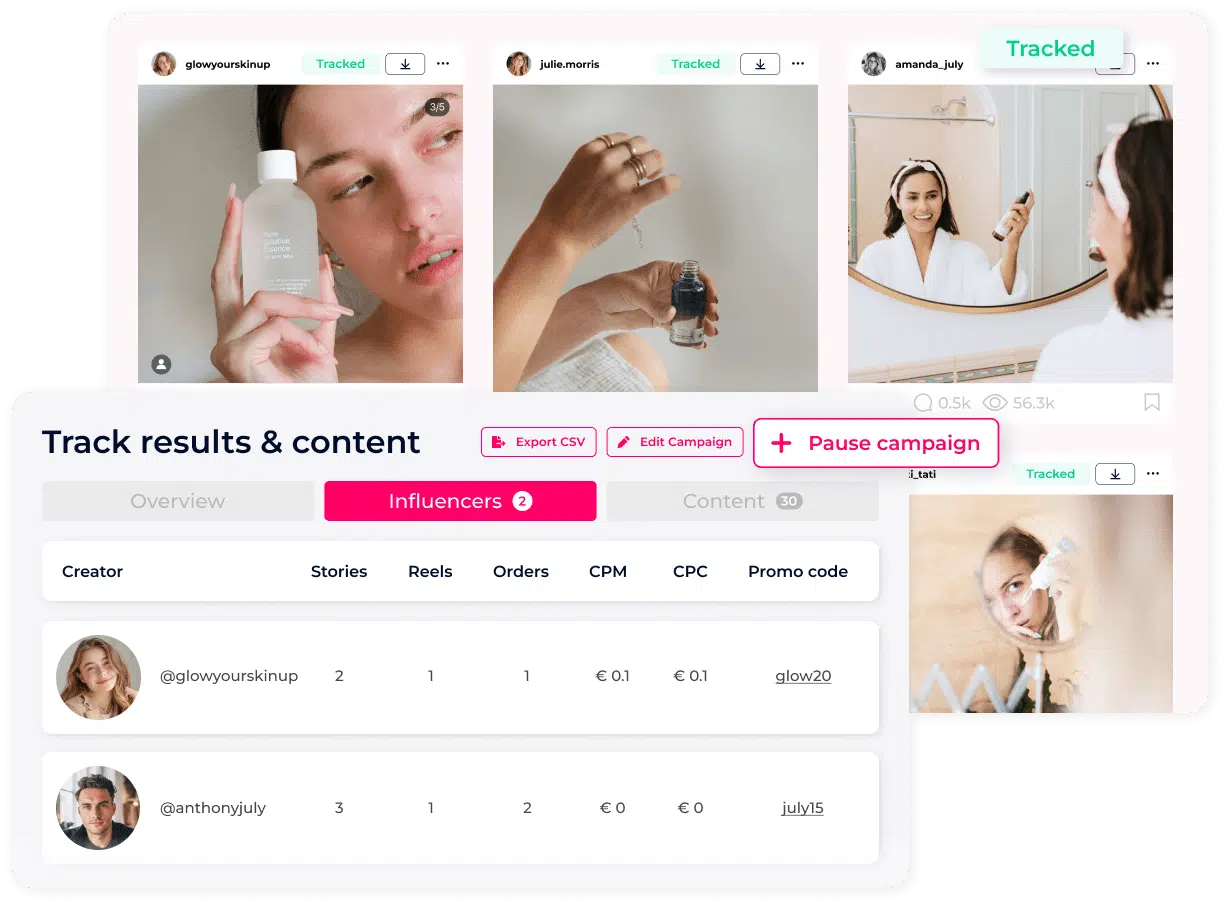
The influencer workflow Shopify brands actually use
Define your product and target buyer
Set your product category, SKU, target customer profile, platform, and launch date. Those inputs become your filter set. Every creator search starts from your product reality, not a generic audience guess.
Search and filter 400M+ profiles
Filter by niche, audience location, engagement rate, follower size, and content type. Every filter narrows to creators that fit your product, audience, and launch goals.
Verify and build the shortlist
Fake follower check on every creator before they reach the shortlist. Pull engagement quality, audience demographics, and real content samples. Every choice backed by data, not instinct.
Set up seeding and creator codes
Approve creators from your shortlist and log outreach and sample shipment inside the CRM. Assign each creator a unique promo code tied to your Shopify store. Track who received product, who posted, and who is still pending, all in one place.
Launch outreach at scale
Automated email sequences to 100s of creators per day. Track outreach status, responses, and follow-ups across launch campaigns and product pushes. No more chasing creators manually across disconnected tools.
Track revenue and repurpose UGC
See which promo codes drove clicks and conversions so you know exactly which creators earned their next partnership. Save the content they produced for use on product pages and ads. Sort creators by performance and build your repeat-partner list from data, not memory.
Why Click Analytic vs generic tools
- ✕Shortlist by launch and collection goalsBroad search only
- ✕Vet before you ship samplesSurface metrics only
- ✕Defend every creator choiceManual decks and screenshots
- ✕Run launches across products and marketsOne workflow, one campaign
- ✕Report results back to the storeExport and rebuild manually
- ✓Shortlist by launch and collection goalsFilter by niche, geo, engagement, audience fit, and product category
- ✓Vet before you ship samplesAudience quality, demographics, fake follower score
- ✓Defend every creator choiceShortlists backed by audience and performance data
- ✓Run launches across products and marketsParallel launches, shortlists, outreach, and reporting
- ✓Report results back to the storeAutomated performance tracking per creator, code, and campaign
What actually improves for Shopify brand teams
Faster brief turnaround
Creator shortlists go from research to campaign-ready in hours, not days. No more sourcing across multiple tools for each brief.
Fewer revision cycles
Teams move faster when every shortlist already includes authentic audience data, follower quality scores, and real engagement rates from the start.
Campaigns launch on time
Outreach, briefs, and follow-ups managed in one place. Deadlines stop slipping when the whole workflow is visible to the whole team.
Consistent quality across launches
Every team member follows the same discovery and vetting process. Quality stays consistent whether you are running 3 products or 30.
400M+ creators, every niche
Whatever your campaign needs, the creators are already here.
 Worldwide
Fitness
585K+ creators
Coaches, athletes and gym creators with highly engaged training audiences.
 Worldwide
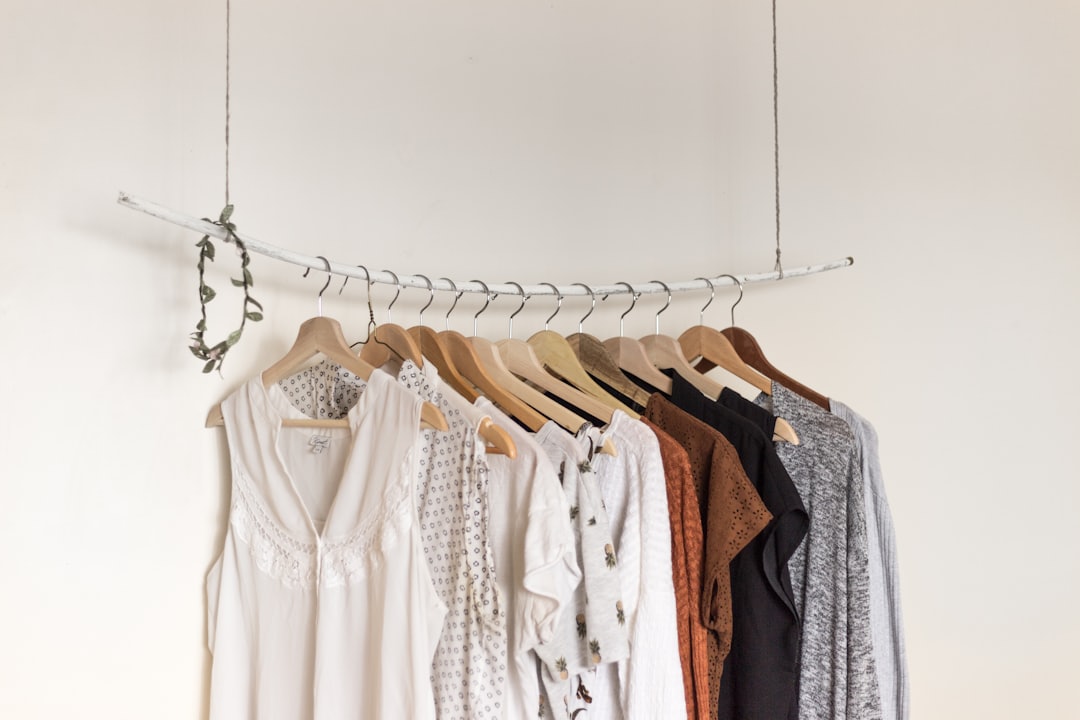
Fashion
1105K+ creators
Style, outfit and trend creators that brands love to gift and collab with.
 Worldwide
Food
650K+ creators
Chefs, recipe makers and food lovers driving real cravings and reach.
 Worldwide
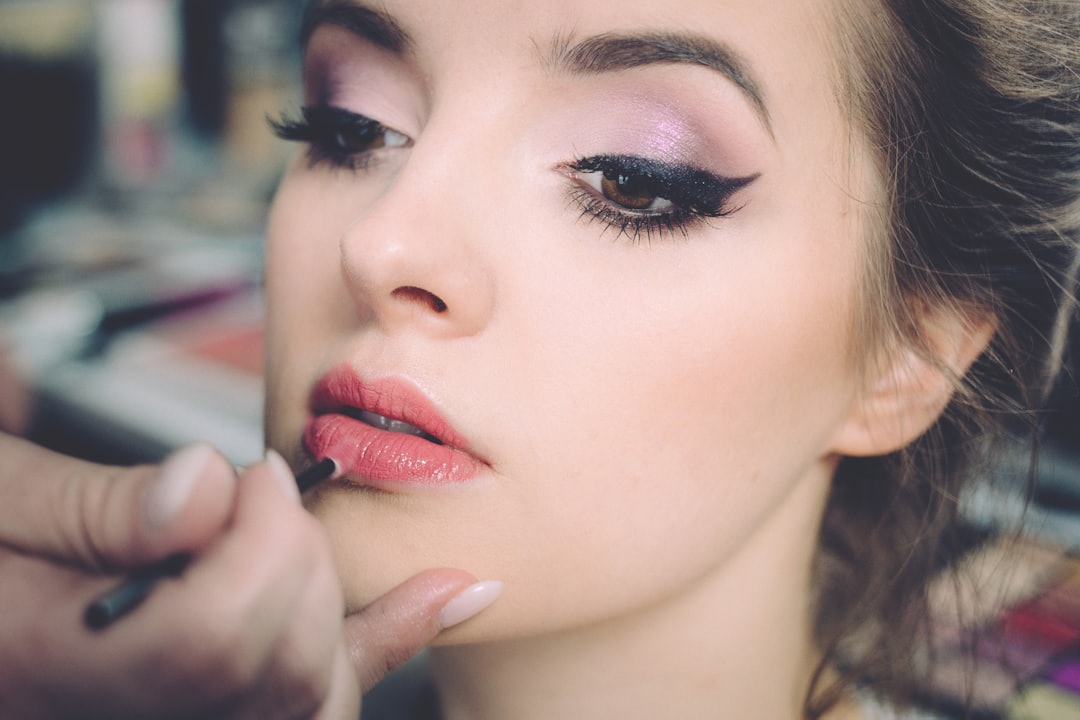
Beauty
780K+ creators
Makeup, glam and cosmetics creators with loyal, reactive followings.
 Worldwide
Travel
455K+ creators
Destination and adventure creators with wanderlust, high-intent audiences.
 Worldwide
Lifestyle
910K+ creators
Daily-life, routine and aesthetic creators with broad, sticky reach.
 Worldwide
Health
325K+ creators
Credible health, nutrition and wellbeing voices with trusted audiences.
 Worldwide
Gaming
390K+ creators
Streamers, competitive players and clip creators with devoted communities.
 Worldwide
Wellness
325K+ creators
Mindfulness, self-care and holistic creators with calm, loyal followings.
 Worldwide
Tech
195K+ creators
Gadget, software and AI creators reaching early-adopter audiences.
 Worldwide
Mom
390K+ creators
Parenting and family creators with high-trust, high-intent audiences.
 Worldwide
Sports
325K+ creators
Athletes and sports creators with passionate, high-energy followings.
 Worldwide
Finance
163K+ creators
Money, investing and fintech creators reaching high-intent audiences.
 Worldwide
Pets
260K+ creators
Dog, cat and animal creators with warm, highly shareable audiences.
 Worldwide
Music
390K+ creators
Artists, DJs and music creators with culturally engaged fanbases.
WorldwideFitness
585K+ creators
WorldwideFashion
1105K+ creators
WorldwideFood
650K+ creators
WorldwideBeauty
780K+ creators
WorldwideTravel
455K+ creators
WorldwideLifestyle
910K+ creators
WorldwideHealth
325K+ creators
WorldwideGaming
390K+ creators
WorldwideWellness
325K+ creators
WorldwideTech
195K+ creators
WorldwideMom
390K+ creators
WorldwideSports
325K+ creators
WorldwideFinance
163K+ creators
WorldwidePets
260K+ creators
WorldwideMusic
390K+ creators
Agency teams love us
The Creator Shortlist You Built Last Quarter Was Vetted on the One Number Creators Can Buy
You know the workflow. You search a hashtag, an inbound DM lands from a creator with 80K followers, you check the follower count, you eyeball the last three posts, and you ship a PR box. The follower number is what makes the cut, and the follower number is the one metric on the entire profile that can be purchased for the price of a coffee.
Here is the part most Shopify brands never see. Bought reach does not show up as a failed campaign. It hides inside your blended ROAS, where one dead-audience creator gets averaged in with the ones that worked. You never learn which of your seeding partners reached zero real buyers, because the spreadsheet only shows the total.
So you do not have a bad-creator problem you can point to. You have an attribution fog that quietly funds the same mistake every month.
Click Analytic's AQS fake-follower score flags the creator your gut would have approved. Run any handle against our 400M+ profile database and the inflated audience surfaces before the PR box ships, not after the order data comes back flat.
You Did Not Shortlist Your Market. You Shortlisted the 12 Creators You Could Already See
Look at who is actually on your list. The creators you already follow. The ones who pitched you first. The handful a competitor used that you screenshotted. The names that surfaced on page one of a hashtag.
That is not the market. That is a tiny, self-selecting pond of the most visible and most pitched creators, which is also the most overpriced slice. You are reaching the same saturated audience your competitors already paid to reach, and you never meet the niche creator your buyers genuinely trust because they never showed up in your search bar.
With 400M+ profiles filterable by audience, niche, geography, and authenticity, "I found some creators" becomes "I searched a real slice of who exists for my product." The micro-creator with a 4% audience overlap to your exact buyer was always there. Your old method just could not see her.
Want proof on a name you already trust? Run one of your current creators through the free AQS check at app.clickanalytic.com/register and see what their audience actually looks like.
A Great Last Post Tells You Nothing About Whether Their Audience Buys What You Sell
You judge a creator on the visible artifact: the feed, the aesthetic, the likes on the last reel. But the feed is the marketing. The audience behind it is the asset you are actually buying, and it is invisible from the outside.
Strong engagement says nothing about whether that audience is real, whether it sits in your shipping countries, whether it skews to the age and gender of your buyer, or whether the creator is deep in a paid-post fatigue spiral where every tag converts worse than the last. According to our Creator Economy Report, audience authenticity and overlap vary wildly even among creators with near-identical engagement rates.
Audience analytics plus audience-overlap analysis let you see the people behind the feed. You confirm their followers overlap your buyer, you stop paying twice to reach the same eyeballs across two creators, and you cut the partners whose audience cannot even check out on your store.
What Shopify Brands Stopped Guessing Once They Could See Audience Quality
Once you want the truth to be true, the proof matters. Across the 400M+ database, a meaningful share of mid-tier fashion and beauty creators carry audiences that fail a basic authenticity threshold. That is paid reach that was never going to land in a cart, and your old checklist had no way to catch it.
3,500+ brands & agencies run their vetting through Click Analytic, which holds a 4.8 on G2 and Capterra. The capability slots into the workflow you already use: find creators in the database, vet them on AQS and overlap, run outreach, track the campaign, and export a white-label report. It is an upgrade to your process, not a rip-and-replace.
See it on your own shortlist. Start a free 14-day trial and check the exact creators you were about to DM, before the budget leaves the building.
One More Seeding Round Run Half-Blind, or Five Minutes to Check
Add up the real cost. Every PR box, fee, and discount code handed to a creator whose audience was never your buyer, multiplied across a year of campaigns nobody vetted. That number is invisible precisely because it hides in the blend, and it compounds quietly every quarter.
The trial is the cheapest way to learn whether the blind spot at the top of this page applies to your store. It is a continuation of the question you are already asking, not a new commitment.
Start free at app.clickanalytic.com/register. Free, 14 days, check your own creators, nothing to install.
Common Questions
How do I find creators who fit my specific Shopify product category?
Use Click Analytic’s search and filter tools to narrow by niche, content category, platform, audience demographics, and engagement rate. You can filter for creators whose audience matches your target buyer profile by age, location, and interest category. The result is a shortlist built around your product, not a generic keyword search.
Can I track which creator drove sales on my Shopify store?
Click Analytic supports campaign tracking through unique promo codes and affiliate links assigned per creator. When you give each creator their own code, you can see which one drove traffic and conversions. This gives you per-creator attribution so you know who to bring back for the next launch.
How does product seeding work inside Click Analytic?
Once you approve a creator from your discovery shortlist, you can manage outreach and seeding status directly inside the platform CRM. Log when samples were sent, track responses, and note who posted. It replaces the spreadsheet so your seeding pipeline stays visible to everyone on the team without manual updates.
Can I use creator content on my product pages and ads after the campaign?
You can capture and store content produced during a campaign inside Click Analytic for reference and repurposing. Usage rights depend on the agreement you negotiate directly with each creator. Many Shopify brands include a UGC rights clause in their outreach so the content can be used in product photography, paid social, and email without additional licensing.
How do I avoid sending samples to creators with fake followers?
Click Analytic includes an audience quality analysis that flags suspicious follower patterns, low engagement relative to follower count, and audience composition issues before you commit to a creator. Review the engagement rate, audience authenticity score, and demographic breakdown for each creator during discovery. Vetting before outreach means your seeding budget goes to creators with real, relevant audiences.
Does Click Analytic work for small Shopify stores as well as larger brands?
Yes. The platform scales with your team size and campaign volume. Smaller Shopify stores use it to improve discovery and vetting speed without a large budget. Larger brands use it to standardise workflow and reduce manual research time across product lines and launch calendars.
How do Shopify brands measure influencer campaign performance?
You can monitor outreach status, campaign activity, and creator performance from within the platform. Track engagement, reach, and promo code conversions per creator. Campaign reporting stays inside Click Analytic so your team does not need to build separate dashboards or chase creators for screenshots.
Can I see which creators my competitors are working with?
Yes. You can analyse competitor creator usage and identify which creators are working with brands in your product category. This helps you find creators who already understand your market and benchmark against what similar Shopify brands are doing in influencer marketing.